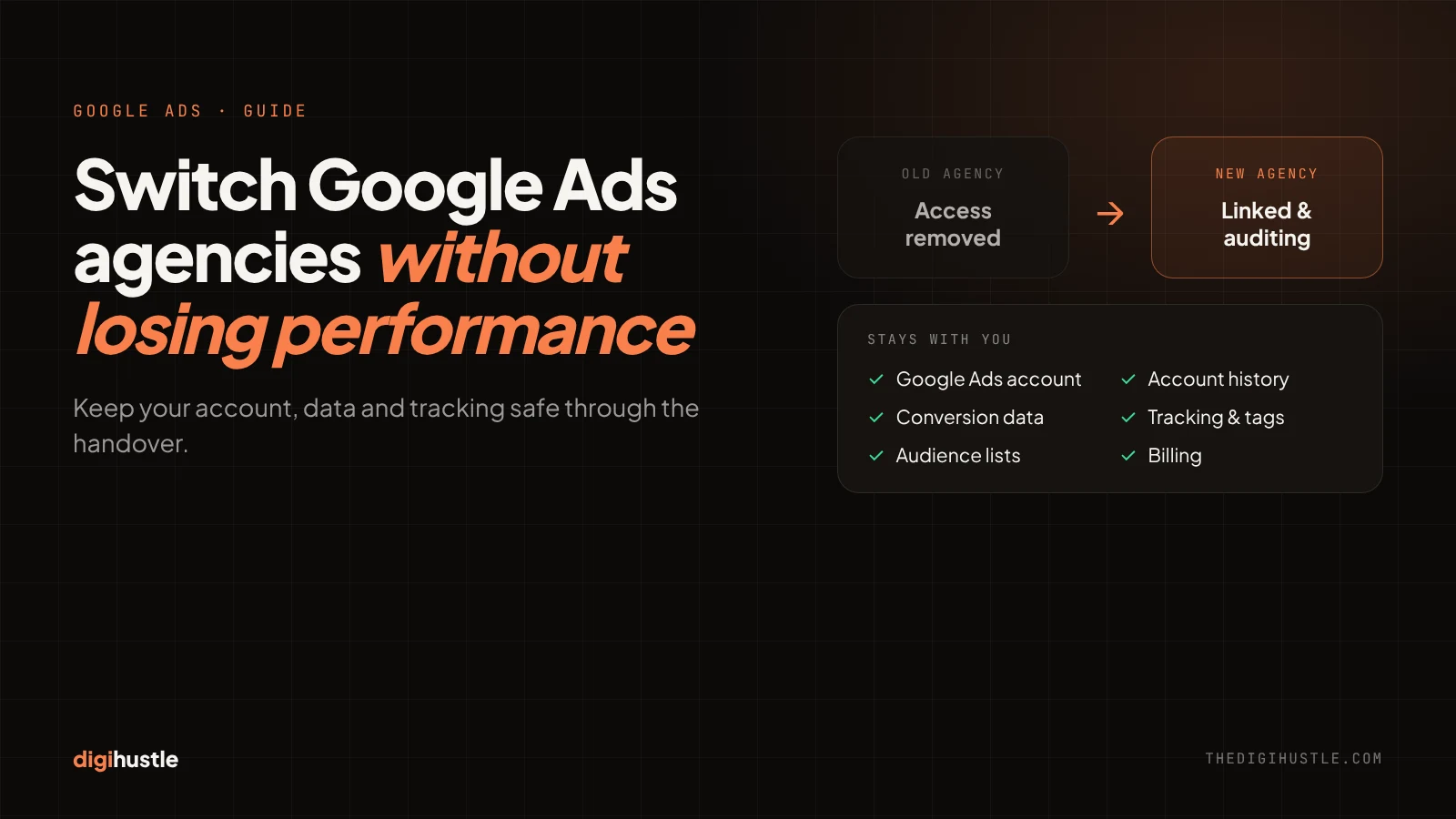
- Check ownership first: the Google Ads account, billing, tracking and every linked tool should be in your name.
- Keep your existing Google Ads account. A new account throws away its history and learned data.
- Run a 2–4 week overlap where both agencies have access, then remove the old one.
- A good new agency audits first and changes things gradually, not all in week one.
- Avoid switching in your peak season or in the middle of a major launch.
Most businesses stay with a Google Ads agency longer than they should. Not because the results are good, but because switching feels risky. What if the campaigns break? What if you lose years of data? What if leads stop for a month?
Here is the reassuring part: if you own your Google Ads account, your tracking and your data, switching agencies is safe. The risk comes from what you don’t own. This guide shows you how to check that, plan the handover, and protect your results through the first 90 days.
1. Signs it’s time to switch
A bad month is not a reason to switch. A pattern is. These are the signs worth acting on:
- Reports show clicks and impressions, but not leads or revenue. If your agency can’t tell you what a lead costs or which campaigns bring sales, they are measuring the wrong things.
- You can’t get a straight answer about where the budget goes. You should be able to see spend by campaign, keyword and search term at any time.
- Nothing new is being tested. The same ads, the same keywords and the same results month after month mean nobody is actively managing the account.
- Tracking is broken or unclear. If conversions in Google Ads don’t roughly match the enquiries you actually receive, every bidding decision is built on bad data.
- You are handed off to someone junior. The person you met in the sales call should not disappear after onboarding.
If two or more of these sound familiar, it is worth getting an independent review of your Google Ads account before you decide.
2. Before you tell your agency: check what you own
Do this quietly, before any conversation about leaving. If something important is in the agency’s name, you want to know now, while the relationship is still friendly.
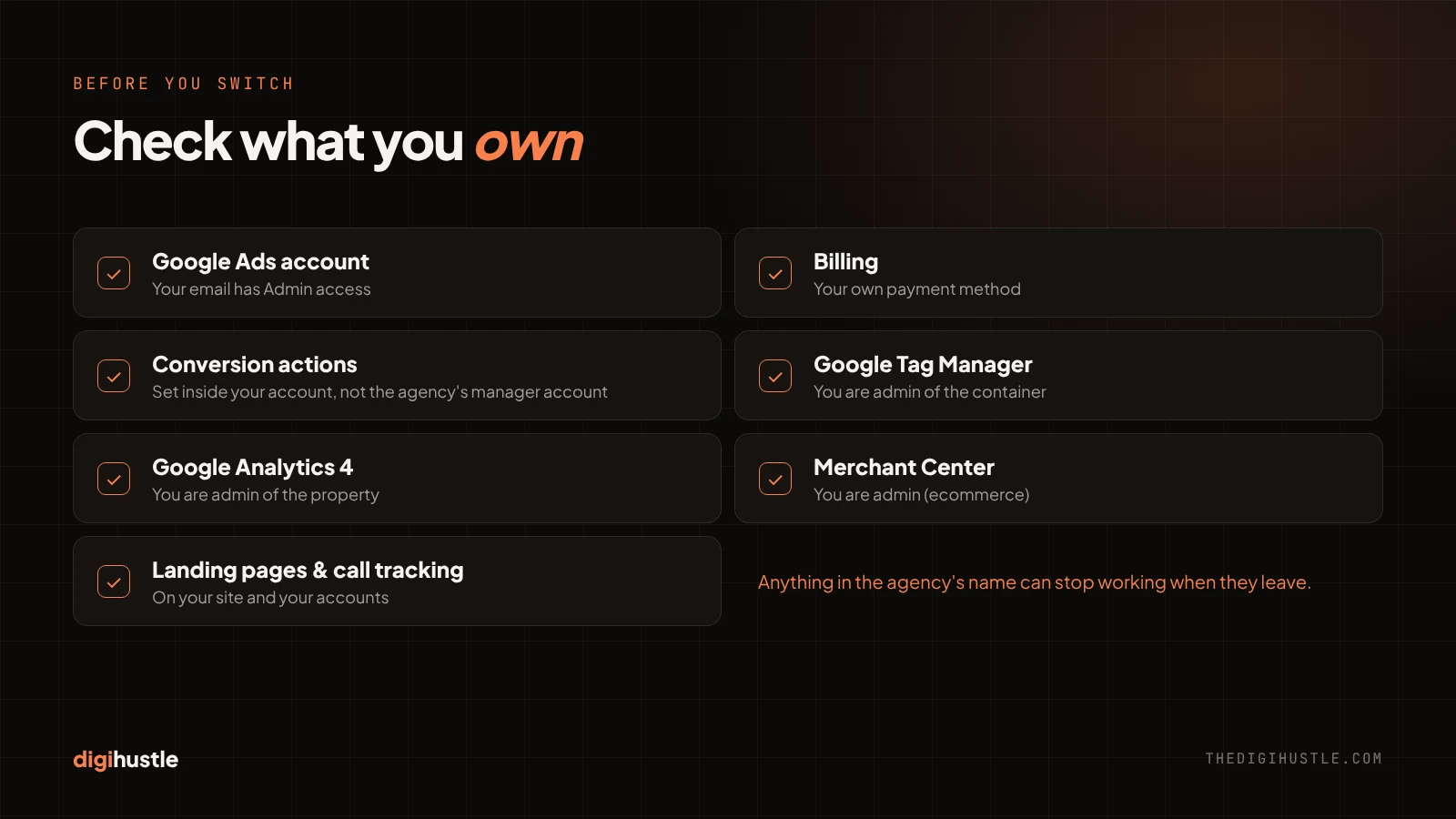
| Asset | Who should own it | How to check |
|---|---|---|
| Google Ads account | You, with your own email as admin | Google Ads → Admin → Access and security. Your email should show Admin access. |
| Billing | You, with your own payment method | Google Ads → Billing. Check whose card, bank account or invoice profile is used. |
| Conversion tracking | Conversion actions inside your account | Goals → Conversions. If they are set at the agency’s manager account level, they stop working when the agency unlinks. |
| Google Tag Manager | You, as admin of the container | Tag Manager → Admin → User management. |
| Google Analytics 4 | You, as admin of the property | GA4 → Admin → Property access management. |
| Merchant Center (ecommerce) | You, as admin | Merchant Center → Settings → People and access. |
| Landing pages | Your website or your own page-builder account | Pages built in the agency’s tools can go offline when the contract ends. |
| Call tracking numbers | Your own call tracking account | Numbers rented by the agency can stop working, and ads would show dead numbers. |
| CRM and offline conversion imports | Connected with your own login | Imports set up with the agency’s credentials stop when their access is removed. |
Two things are easy to miss. First, scripts and automated rules created at the agency’s manager account level live in the agency’s account, so they stop running when you leave. Second, audience lists such as remarketing and customer lists belong to your account, but the tags or uploads that keep them fresh may not.
3. Keep your existing account; don’t start a new one
Some agencies suggest starting fresh in a new Google Ads account. Unless your current account is genuinely beyond repair, say no.
Your existing account holds years of value: conversion history, the data smart bidding has learned from, keyword performance, search term reports and audience lists. A new account starts with none of it. Smart bidding has to learn again from zero, and you lose the history you need to compare before and after.
The right approach is to keep the account and give the new agency access to it. If the structure is messy, they can rebuild campaigns inside the same account, step by step, while the history stays intact.
The only common exception is an account that was created and is still owned by the old agency, which they refuse to hand over. Section 7 covers what to do then.
4. The safe switch, step by step
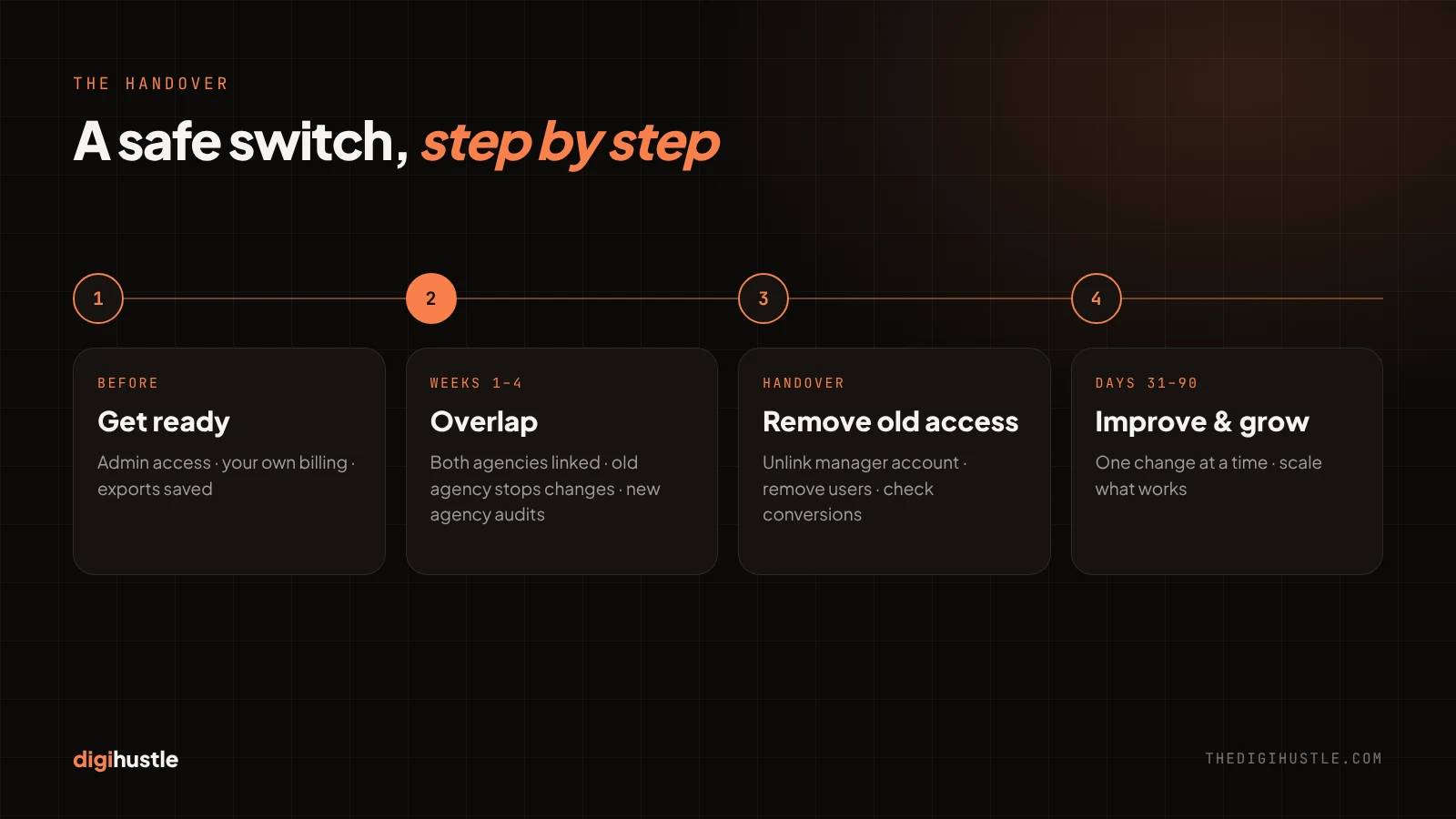
- Get admin access to everything. Use the table above. Ask your current agency to add your email as admin wherever it is missing. Do this before you give notice.
- Export what you may need later. Download campaign, keyword and search term reports for at least the last 12 months, your negative keyword lists, audience lists, ad copy and any scripts or rules. Google Ads keeps a change history, but your own exports are your safety net.
- Check billing. Make sure the account is paid with your own payment method. If the old agency pays and invoices you, set up your own billing before their access ends, or ads will stop.
- Give the new agency access through their manager account. They send a link request from their manager account; you accept it in Google Ads. Do the same for Tag Manager, GA4 and Merchant Center.
- Run a 2–4 week overlap. Both agencies have access. The old agency answers questions and explains how things are set up; the new one audits and learns. Agree that the old agency stops making changes once the overlap starts.
- Move any tracking or tools that sit in the agency’s name. Rebuild conversion actions inside your own account, replace rented call tracking numbers and copy landing pages to your own site before the old tools are switched off.
- Remove the old agency’s access. End their manager account link and remove their users from Google Ads, Tag Manager, GA4 and Merchant Center. Then check that conversions are still recording.
5. The first 30 days with a new agency: what should and shouldn’t change
The biggest risk after a switch is not the handover itself. It is a new agency changing too much, too fast, to show they are busy.
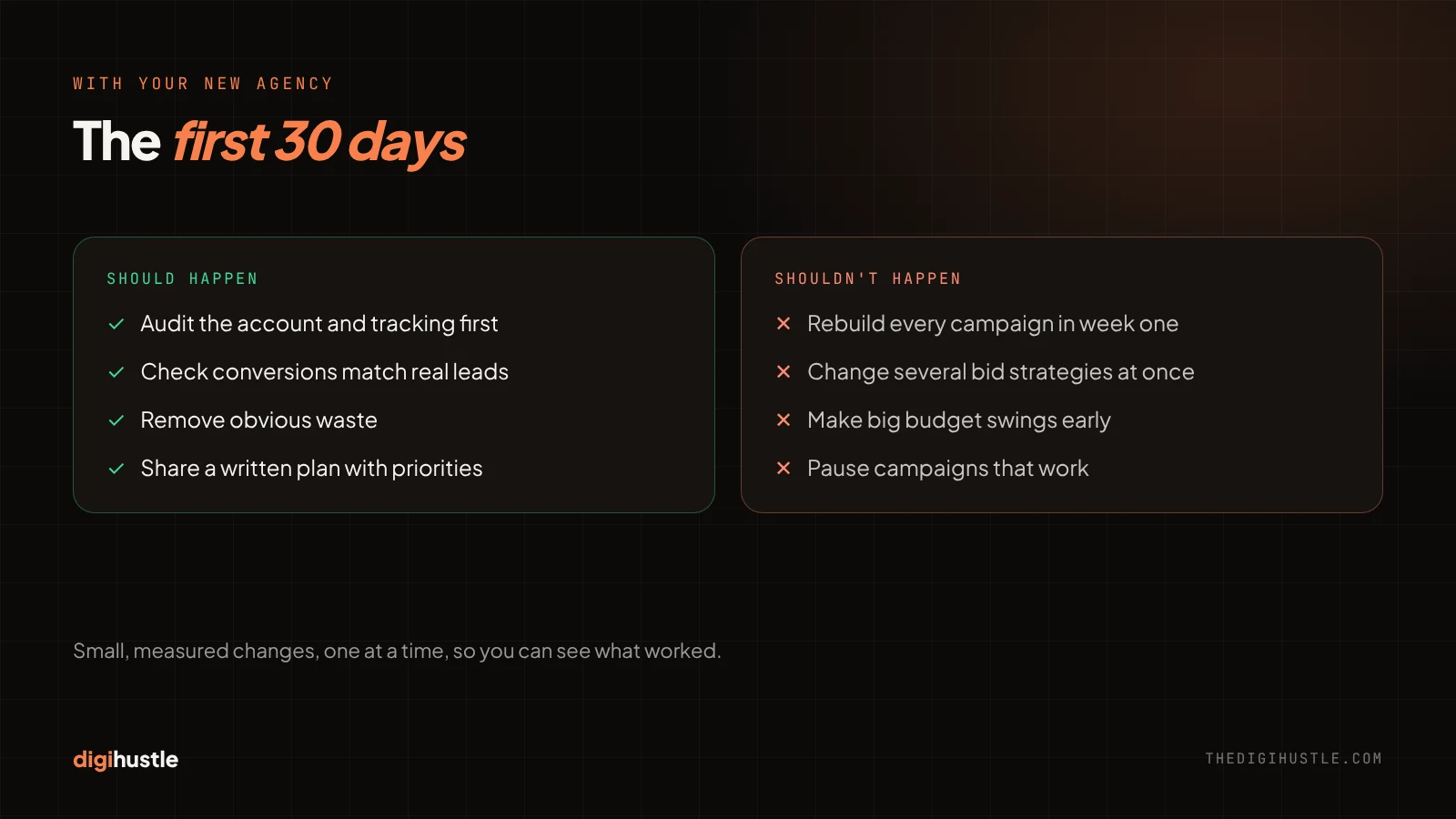
What a good new agency does first
- Audits the account and tracking before touching campaigns.
- Confirms that every conversion action records real leads or sales, and that the numbers match what your team actually receives.
- Fixes clear waste quickly: irrelevant search terms, broken ads, landing pages that don’t load.
- Shares a written plan with priorities, and what each change is expected to improve.
What should not happen in the first 30 days
- A full rebuild of every campaign in week one.
- Several bid strategy changes at once. Each change to a smart bidding strategy starts a new learning period, and results can swing while it settles.
- Big budget cuts or increases before the agency understands what drives your leads.
- Pausing campaigns that work just because the new agency didn’t build them.
Good changes are small, measured and one at a time, so everyone can see what worked. Ask the new agency how they handle this before you sign. It is one of the clearest signs of how they will manage your account.
6. Timing: when not to switch
The handover itself carries little risk if you follow the steps above. Bad timing is what turns a small dip into an expensive one.
- Avoid your peak season. If most of your sales come in one quarter, switch at least six to eight weeks before it starts, or wait until it ends.
- Avoid major launches. Don’t switch in the middle of a product launch, a big promotion or a website migration.
- Avoid tracking changes at the same time. If you are moving to a new website or CRM, finish that first. Changing agency and tracking together makes it impossible to see what caused a drop.
The best time is a steady, ordinary month, when results are easy to compare before and after.
7. If your old agency won’t hand over the account
Most agencies hand over cleanly. If yours doesn’t, stay calm and be specific.
- Ask in writing for admin access to the Google Ads account, Tag Manager, GA4 and Merchant Center, using your own email address.
- Check your contract. Many agency agreements say the client owns the ad accounts and the data. Quote that clause.
- Ask for exports if they won’t give access: 12 months of campaign, keyword, search term and conversion reports.
- If the account was created and paid for by the agency, ask them to transfer it to you: add your email as admin, then remove their manager link once you have set up your own billing.
- As a last resort, start a new account. You will lose the history, so rebuild carefully from your exports and give smart bidding time to learn.
The lesson for next time is simple: whoever you work with, the Google Ads account, billing and tracking should be in your name from day one. A good agency will insist on it.
8. Your 30-60-90 day handover plan
| Period | Focus | What should be done |
|---|---|---|
| Before the switch | Ownership | Admin access to every asset, your own billing, exports saved, a clear notice date |
| Days 1–30 | Audit and stabilise | Overlap with the old agency, tracking checked and fixed, obvious waste removed, written plan agreed |
| Days 31–60 | Improve | Campaign structure, keywords, ads and landing pages improved one change at a time |
| Days 61–90 | Grow | Scale what works, test new campaigns, compare results with the months before the switch |
By day 90 you should be able to answer one question clearly: are you getting more qualified leads or sales for the same budget? If the answer is yes, the switch worked.
Want to see how this works in practice? Browse our case studies, or read our guide on ranking in AI search.

Nitin Jain is the founder of DigiHustle. He has 15+ years of hands-on Google Ads and paid media experience, specialising in account structure, conversion tracking and turning ad spend into qualified leads. Connect on LinkedIn